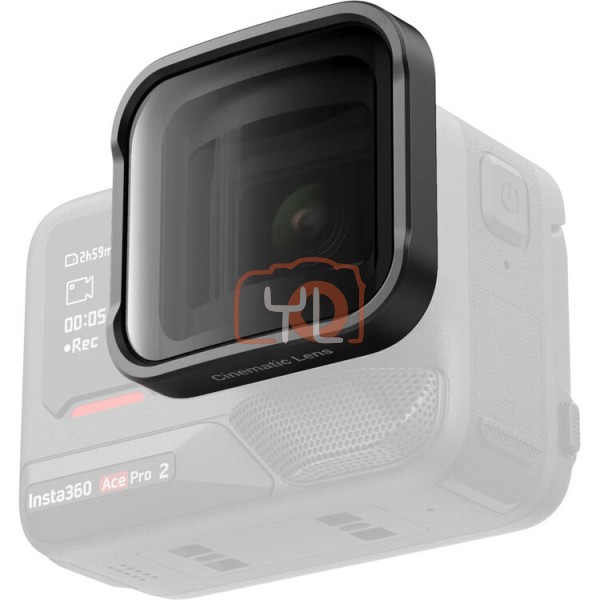


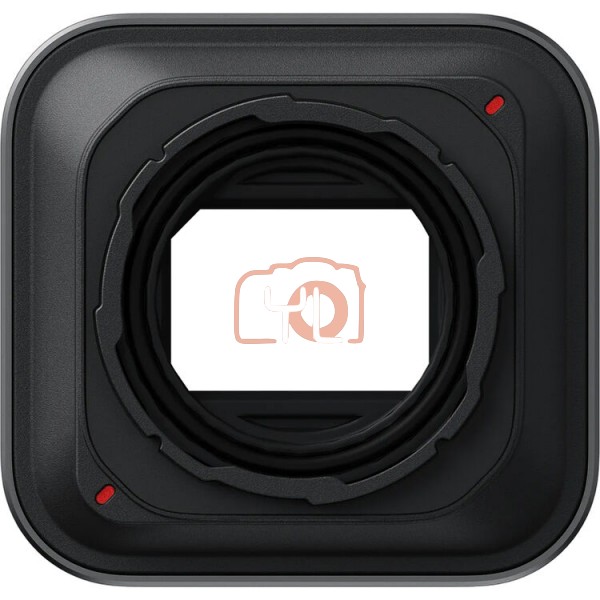
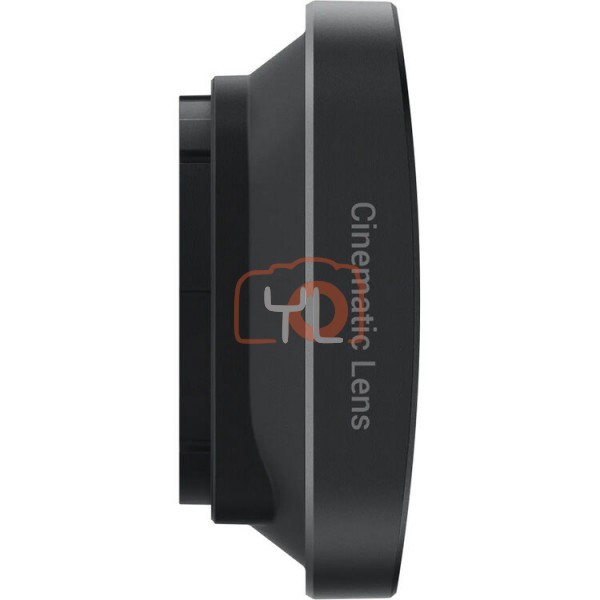
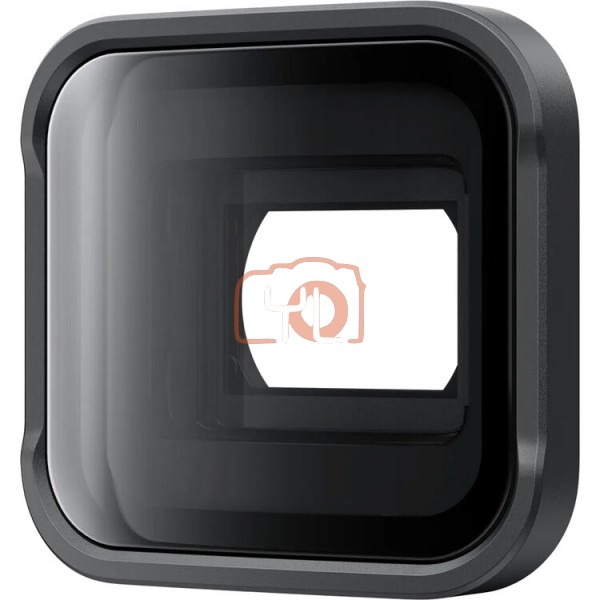
Expand the view of your Ace Pro 2 using the Insta360 Cinematic Lens. The lens unlocks the 2.35:1 anamorphic aspect ratio so you can create cine-quality footage. Update your camera's firmware and the Insta360 app to unlock additional features like unique lens flare effects. To install the lens onto your camera, remove the silicone lens guard ring and use the included wrench to rotate the guard 45° to remove it. Then, the cinematic lens simply screws onto the camera body. An included silicone lens cap then protects the lens when not recording.
Insta360 Cinematic Lens for Ace Pro 2
RM 520.00
- Captures 2.35:1 Anamorphic Aspect Ratio
- Unique Lens Flare Effects
- Secures to Camera via Screw Mechanism
- Includes Silicone Lens Cap
SKU: 6977644766156