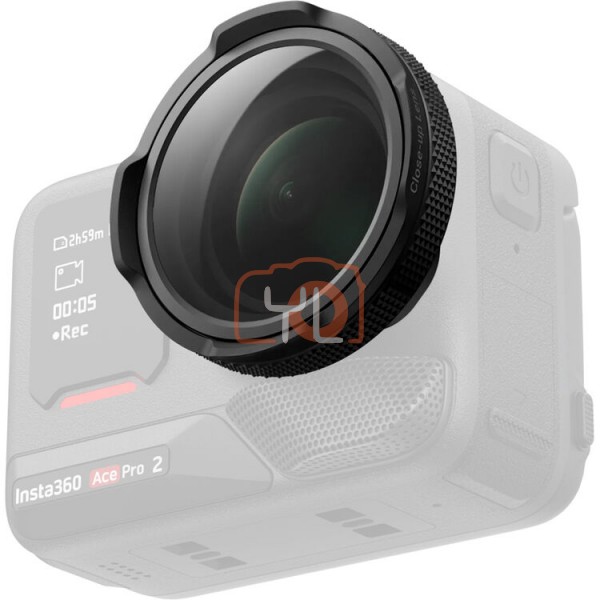
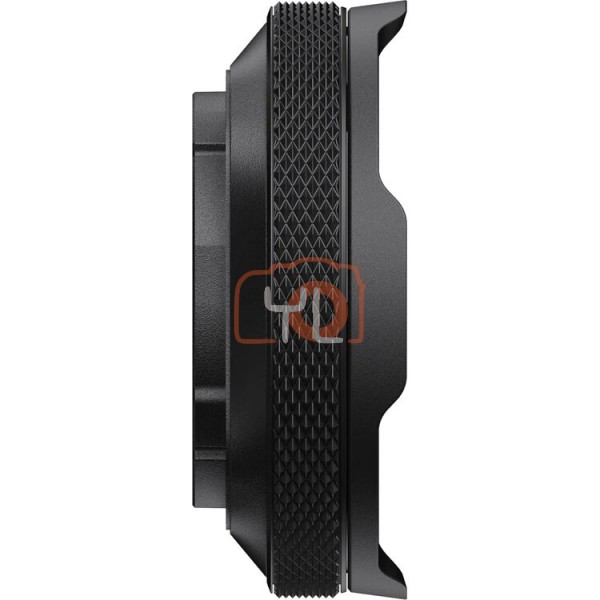
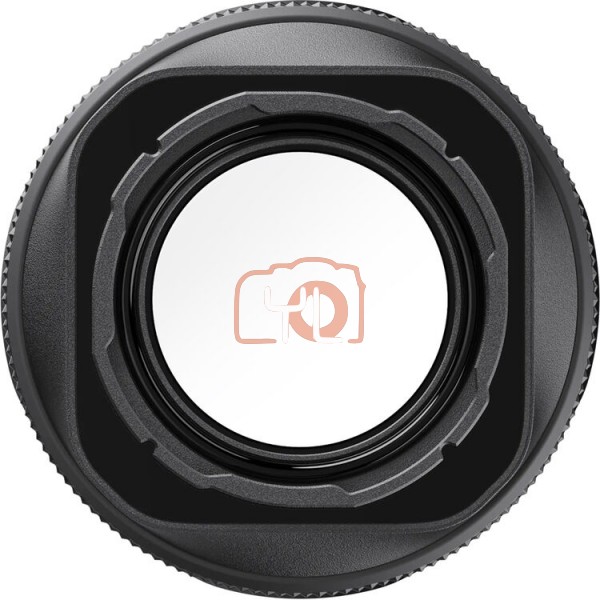
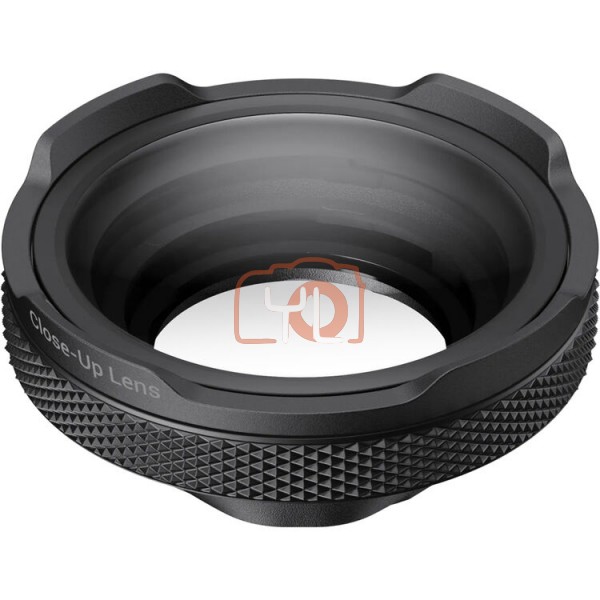

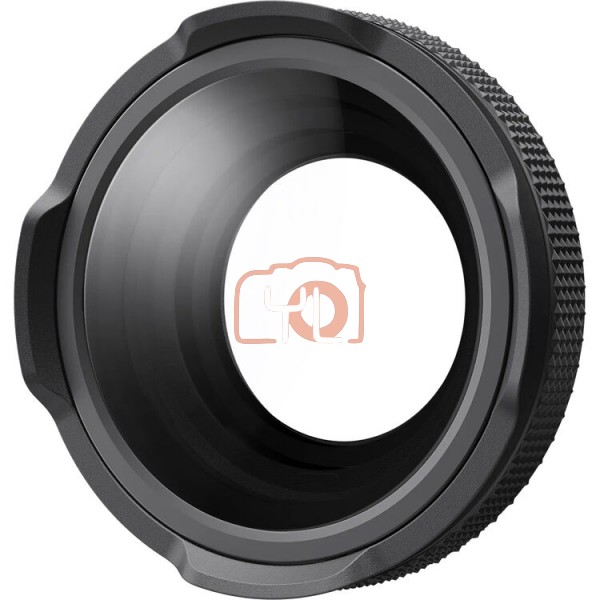
Capture macro shots with your Ace Pro 2 using the Insta360 Close-Up Lens. The lens unlocks a 3.9 to 29.5" focus range so you can create detailed close-up footage. Update your camera's firmware and the Insta360 app to unlock additional features like a dedicated Focus Peaking display. To install the lens onto your camera, remove the silicone lens guard ring and use the included wrench to rotate the guard 45° to remove it. Then, the close-up lens simply screws onto the camera body. An included silicone lens cap then protects the lens when not recording.
Insta360 Close-Up Lens for Ace Pro 2
RM 589.00
- Lens for Macro Shooting
- 3.9 to 29.5" Focus Range
- Dedicated Focus Peaking Display
- Includes Silicone Lens Cap
SKU: 6977644765920